1. Find a percentage
Enter 200*15/100, then ENTER. Fifteen percent of 200 is 30.
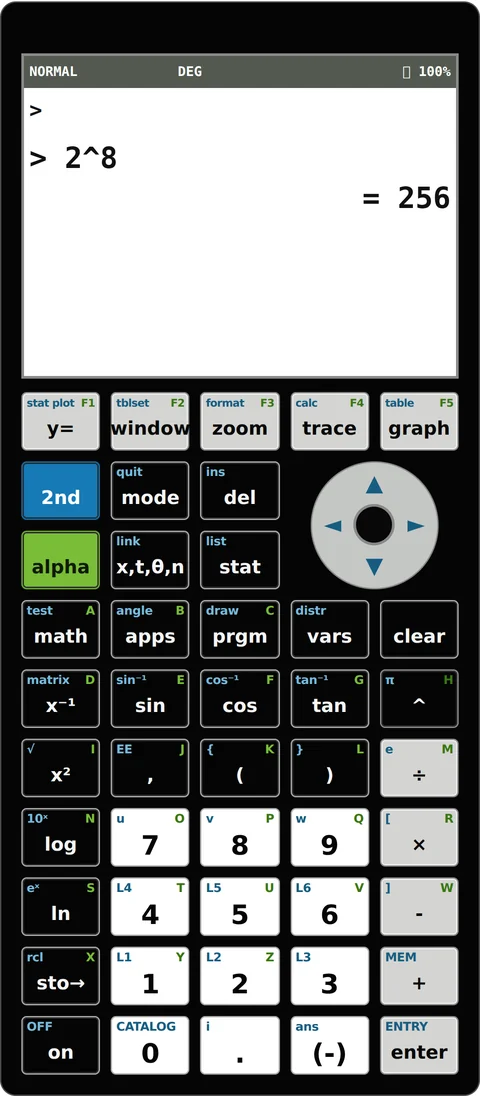
Welcome to the online TI-84 Plus CE graphing calculator powered by Digital Rank Studio. This web utility delivers basic graphing calculator capabilities directly inside your browser with no installation, complete accessibility, and zero cost.
Designed for students, teachers, researchers, and technical professionals who require a fast online mathematical calculator for algebra, trigonometry, graphing, and statistical calculations.
Plot multiple mathematical function curves, adjust X/Y window ranges, and trace curve coordinates interactively.
Execute 1-variable statistics, mean, standard deviation (sample & population), min, max, median, and linear regression models on custom data lists.
Work with trigonometric functions (sin, cos, tan, asin, acos, atan in DEG or RAD), logarithmic operators (log, ln), powers, roots, and absolute values.
No downloads or browser plugins needed. Access this online utility instantly from any PC, tablet, or mobile device.
Fully responsive display optimized for high-res monitors, classroom projectors, and mobile screens.
Use interactive +/- sizing buttons to adjust calculator dimensions for comfortable viewing during study sessions.
X^2-4, and press GRAPH. Set the viewing limits with WINDOW; use TRACE to inspect coordinates.Each button runs the example below. Graph examples replace Y1–Y4 and reset the viewing window; the statistics example replaces L1/L2. Save any work you need first.
Enter 200*15/100, then ENTER. Fifteen percent of 200 is 30.
Enter 2^(-12), then ENTER. The answer is 0.000244140625.
Set MODE to DEG. Enter sin(30), then ENTER. The answer is 0.5. This example sets DEG mode.
Enter X^2-4 in Y1. The curve crosses the x-axis at −2 and 2. Use 2nd → GRAPH to check its table.
Use L1 = 2, 4, 6, 8, 10. Mean = 6, population σx ≈ 2.8284, sample Sx ≈ 3.1623.
Yes. You can use this calculator without payment, an account or installing an app. It runs in your browser.
No. This is an independent TI-84-style tool from Digital Rank Studio. It supports the functions listed above, but does not reproduce all TI firmware features, matrix solvers or TI-BASIC programs. It is not affiliated with Texas Instruments.
Press Y=, enter X^2-4 in Y1, then press GRAPH. Adjust WINDOW if needed. Select Download Graph PNG to save an image of the graph; this does not download the calculator itself.
They use different angle units. In DEG, sin(30) = 0.5. In RAD, sin(π/6) = 0.5. Press MODE to choose the unit your question uses before calculating.
Use the on-screen keypad on mobile, or tap the input to type directly. This tool is intended for learning and practice; do not assume it is permitted in an exam. Follow your teacher or exam provider’s calculator rules.
Scroll back to the top to use the calculator!