
In the hyper-competitive world of YouTube, your content is only as good as its first impression. You could have the most high-value video on the platform, but if your Click-Through Rate (CTR) is low, your growth will remain stagnant. Your thumbnail is the “digital storefront” of your video. If it doesn’t look inviting, no one is walking through the door.
At Digital Rank Studio, we specialize in Visual Marketing and YouTube SEO. In this comprehensive guide, we will break down the 7 critical reasons why your thumbnails are failing and how you can fix them to dominate the UK and USA markets.
The Science Behind the YouTube Algorithm and User Psychology
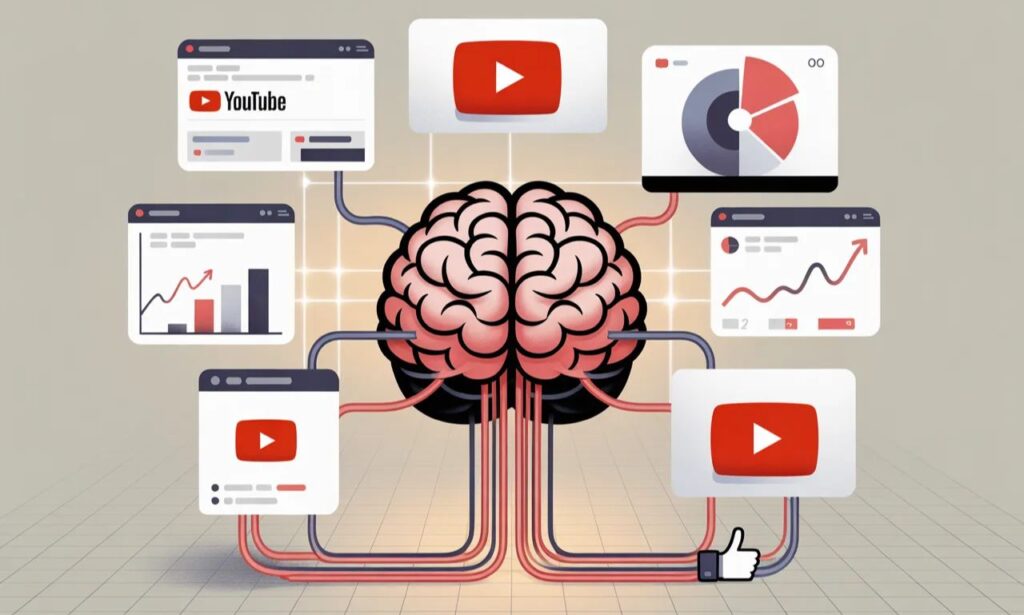
The YouTube algorithm prioritizes two main metrics: CTR and Average View Duration (AVD). When a user scrolls through their feed, their brain processes images 60,000 times faster than text. This is where Visual Hierarchy and Graphic Design principles come into play.
What is a Good CTR for UK and USA Audiences?
While the average CTR on YouTube ranges between 2% and 10%, top-tier creators in the UK and USA often aim for 8%+. If you are below 5%, your thumbnail is likely the bottleneck.
7 Critical Mistakes Killing Your Thumbnail Performance
Below are the most common errors that prevent viewers from clicking on your videos:
1. Cluttered Design and Information Overload
One of the biggest mistakes is trying to fit too much text into a small space. Western audiences prefer clean, Minimalist Designs.
- The Fix: Stick to the Rule of Three no more than three words or three main visual elements.
- LSI Keywords: Negative Space, Typography, Focal Point.
2. Lack of High-Contrast Color Theory
If your colors blend into the YouTube interface (White or Dark Mode), your video becomes invisible.
- The Fix: Use Complementary Colors (e.g., Orange vs. Blue). High-contrast palettes ensure your subject pops against the background.
- NLP Tip: Google’s Vision AI scans images for clarity; high contrast helps the AI categorize your content better.
3. Missing Human Connection (Exaggerated Emotions)
Human faces with clear emotions are Click Magnets. In the US and UK markets, “Reaction Thumbnails” perform significantly better than those without faces.
- Strategy: Use high-quality close-ups of faces showing shock, curiosity, or excitement. Ensure the eyes are sharp and looking toward the viewer or the focal point.
4. Ignoring Mobile Optimization and Scaling
Over 70% of YouTube views come from mobile devices. A design that looks great on a 27-inch monitor might be unreadable on a 6-inch smartphone screen.
- The Fix: Always zoom out to 10% during the design phase. If you can’t read the text or identify the subject at that size, it won’t convert.
5. Disconnect Between Thumbnail and Title (Clickbait Trap)
“Clickbait” can get you a click, but if the content doesn’t match, viewers will leave within seconds. This increases your Bounce Rate, which tells the algorithm your video is low quality.
- The Fix: Your thumbnail should “tease” the solution to a problem mentioned in the title.
6. Poor Image Quality and Resolution
Low-resolution images (pixelated or blurry) scream “Amateur.” In a market like the USA, where production value is high, quality is a trust signal.
- Technical Detail: Export thumbnails at 1280×720 pixels (16:9 ratio) and keep the file size under 2MB.
7. Lack of Consistent Brand Identity
If every thumbnail looks different, you lose the opportunity for Brand Recognition. Users should be able to identify a Digital Rank Studio video just by the color grading or font style.
Comparison Table: Amateur vs. Professional Thumbnail Strategy
| Feature | Amateur (Low CTR) | Professional (High CTR) |
| Image Resolution | 480p / Blurry | 720p HD / Sharp |
| Text Usage | 6+ Words (Small) | 2-4 Bold Words (Large) |
| Color Scheme | Muted / Random | Vibrant / High Contrast |
| Branding | Inconsistent | Unified Fonts & Styles |
| Audience Impact | Easily Ignored | High Stop-Power |
| Technical SEO | Random File Name | Keyword-Optimized File Name |
Advanced YouTube SEO: Beyond the Visuals
Image Metadata Optimization
Before uploading your thumbnail to YouTube, rename the file. Instead of “IMG_001.jpg,” use your primary keyword, such as “youtube-seo-tips-2026.jpg.” This helps Google’s Indexing process.
A/B Testing for Data-Driven Results
Use tools like YouTube’s built-in “Test & Compare” feature to run two different versions of a thumbnail. Let the data tell you what your audience prefers.
Why Professional Graphic Design is a Necessity, Not a Luxury
In the digital marketing landscape of the UK and USA, your competition is fierce. To stand out, you need more than just “good” graphics; you need Conversion-Optimized Designs.
How Digital Rank Studio Elevates Your Brand:
- High-CTR Thumbnail Design: Specifically engineered to trigger curiosity.
- On-Page & Off-Page SEO: To ensure your video ranks in Google Search.
- Technical SEO Audits: Optimizing your site speed and structure.
- Guest Posting: Building high-authority backlinks for your business.
Conclusion: Stop Leaving Your Views to Chance
Your YouTube growth is directly tied to your ability to win the click. By avoiding these 7 common mistakes clutter, low contrast, and poor branding you can significantly improve your channel’s performance.At Digital Rank Studio, we combine Search Engine Optimization with world-class Graphic Design to help businesses in the UK, USA, and beyond reach their full potential. Don’t let a bad thumbnail hide your great content.

Rana Haseeb is a visionary CEO and a seasoned Content Writer with over 7 years of extensive experience in the digital industry. He specializes in blending executive leadership with high-impact storytelling to build brands that resonate. With a deep understanding of market trends and strategic communication, Rana has dedicated his career to driving innovation and delivering excellence in every project he leads.